Today
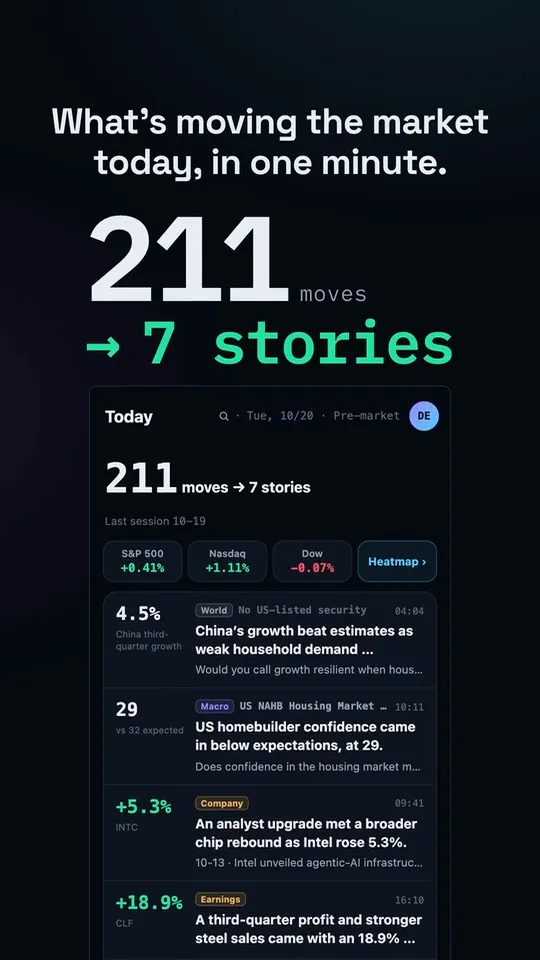
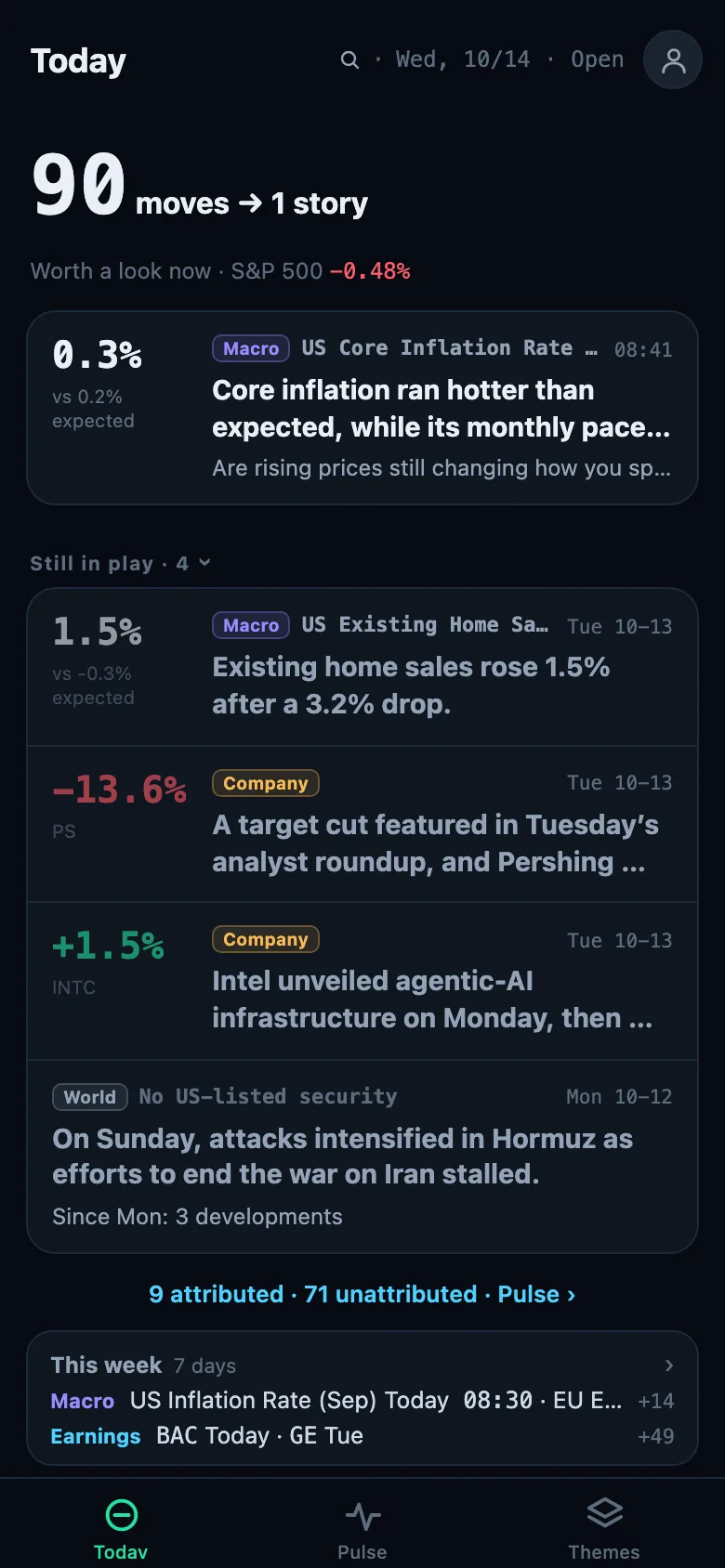
The session in one read.
Up to nine stories a session — the data print, the company move, the narrative that lifted a group — dated and ranked by how much it mattered. A quiet day stays short.
US STOCKS · BIG MOVES · ON THE RECORD
Your broker app shows the prices. What's Moving ranks the session's stories: which moves mattered, and the narratives that connect them.
Free to read, no account needed: the same analysis, 15 minutes late. Pro removes the delay. Or try it in your browser first →
Post-hoc analysis only — no predictions, no investment advice.
From the 4 a.m. pre-market to the 8 p.m. close, tracked movers and candidate names are re-checked every few minutes; through the regular session the market's biggest gainers, losers and most active names join the scan. A move has to be big for the company: 0.9% over $200B, 2.4% for a small-cap.
When the news that preceded a move supports it — a filing, a data print, a headline — the driver is published with its evidence cited and dated. When nothing qualifies, the move stands on its own: what moved, how far, when. No guess.
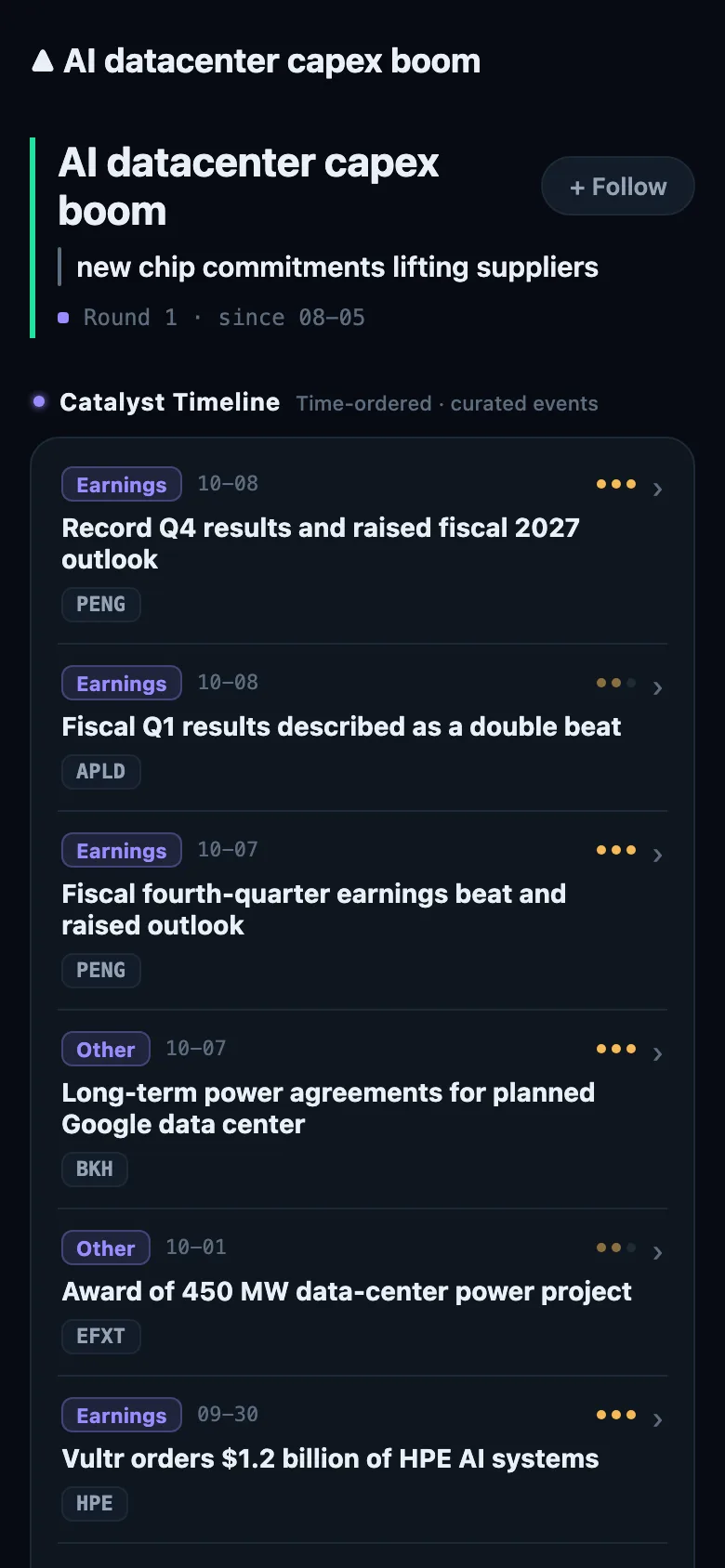
Moves that share a story become a theme: a narrative that moved several stocks at once, tracked round by round as it develops, with the stocks it reaches and which way each went.
Every published move, story and theme is dated and kept: what moved, how far, when, in which sector, and which narratives it joined. Where a driver is named, its evidence is cited; when better evidence changes it, the citations and the time are updated with it. That archive is what you read — and what your AI assistant can read too.
The session in one read.
Up to nine stories a session — the data print, the company move, the narrative that lifted a group — dated and ranked by how much it mattered. A quiet day stays short.
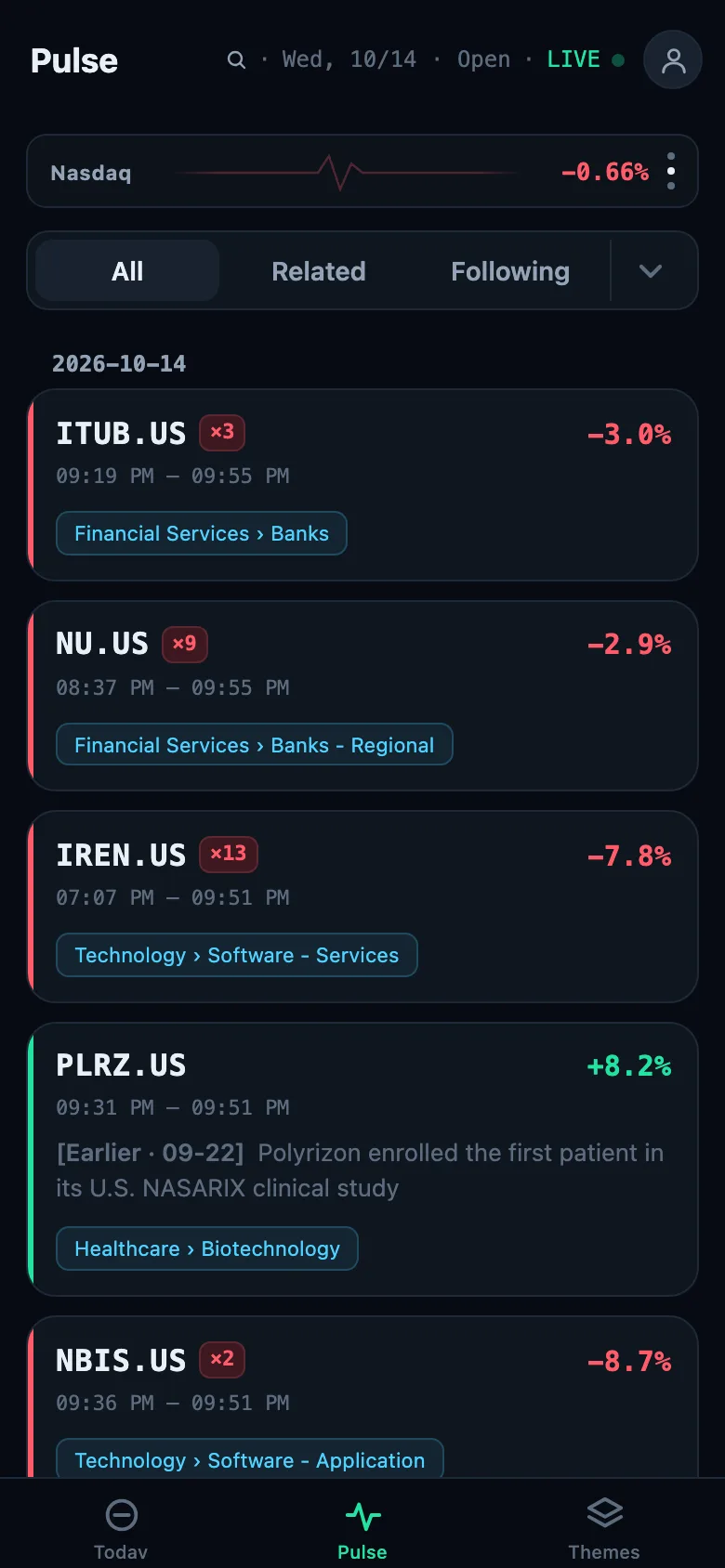
Every notable move, as detected.
The feed of moves as they are detected: ticker, size, direction, sector and time, with the driver where one is established. Filter by sector or direction; follow stocks and themes to see only yours.
The narratives behind the tape.
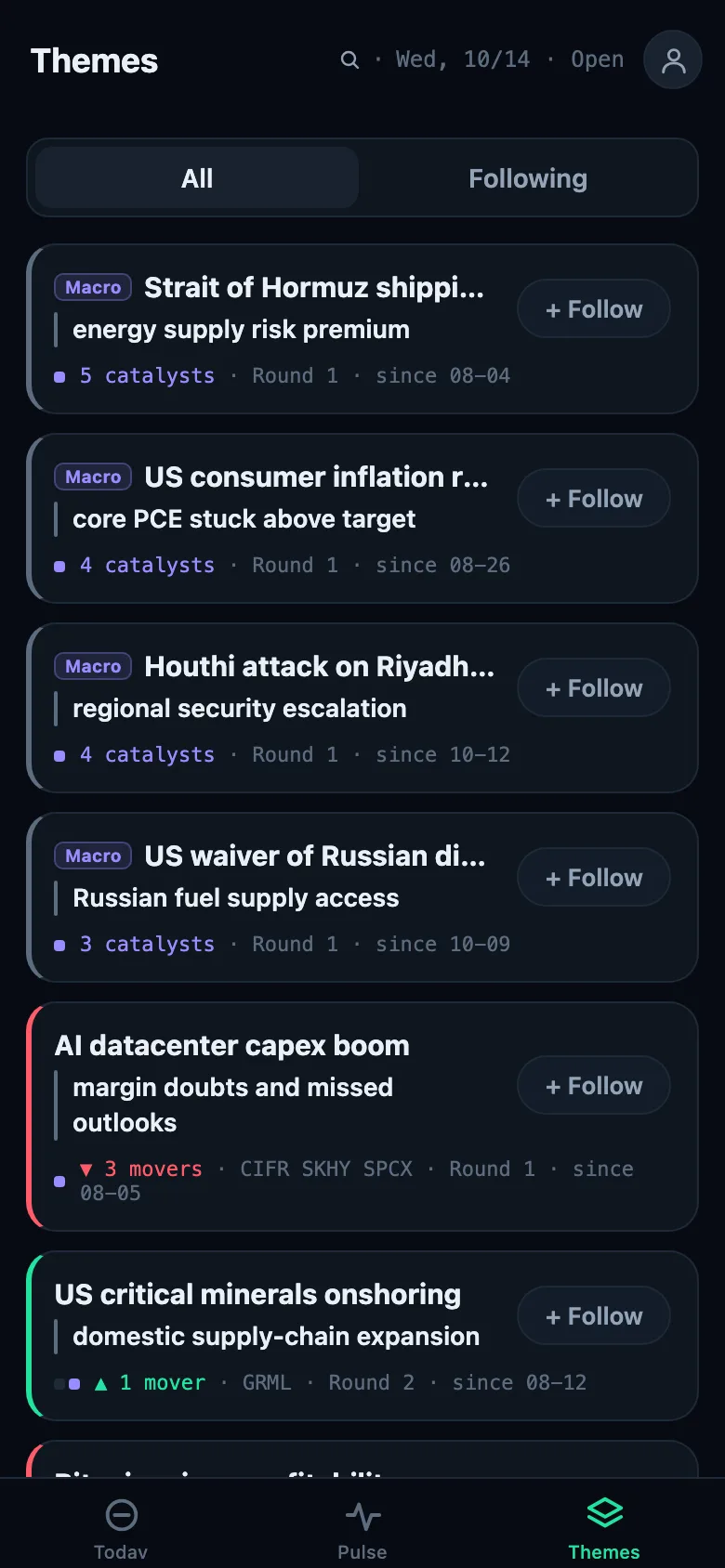
Cross-stock stories that link today's movers: which stocks, which way, and how the story has developed round by round. A theme is a narrative, never a sector label.
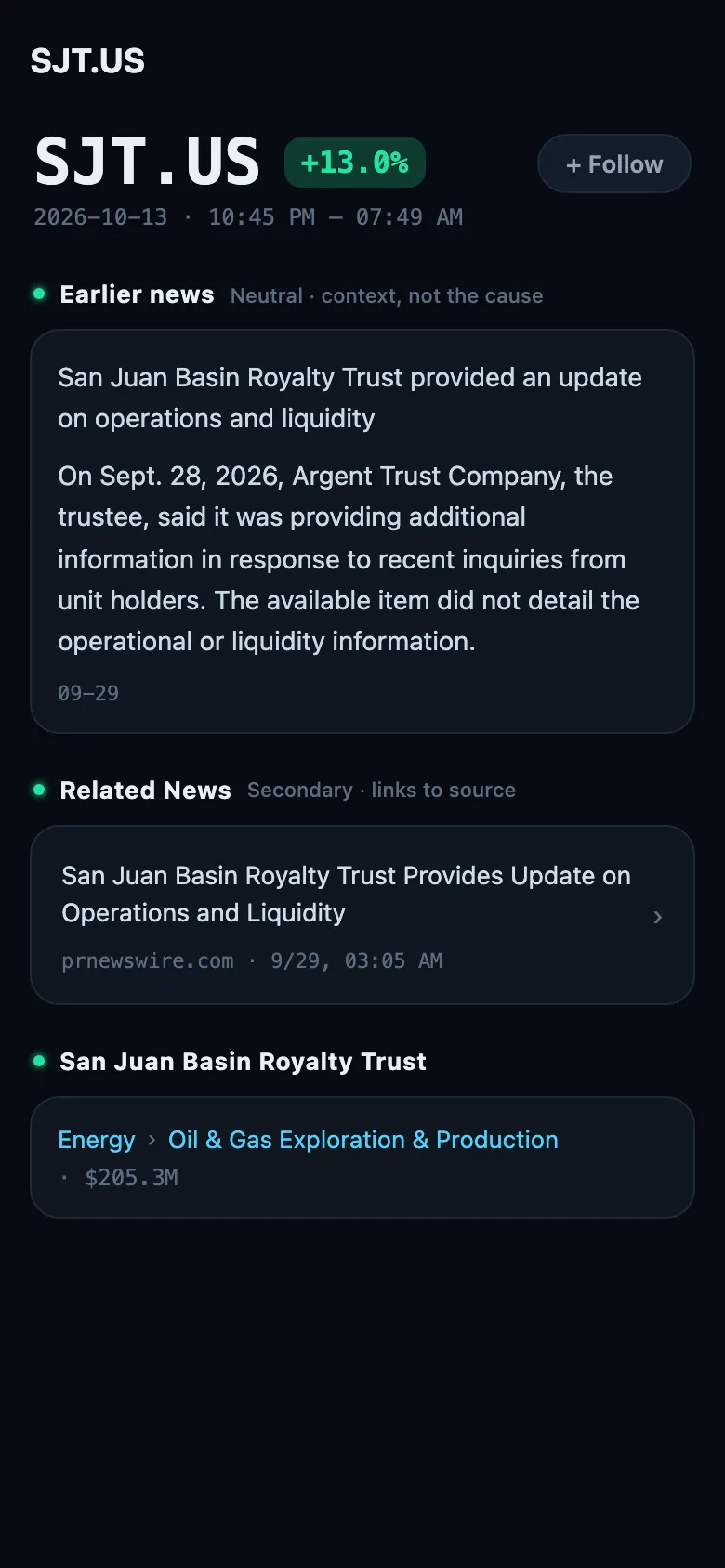
Every stock, in context.
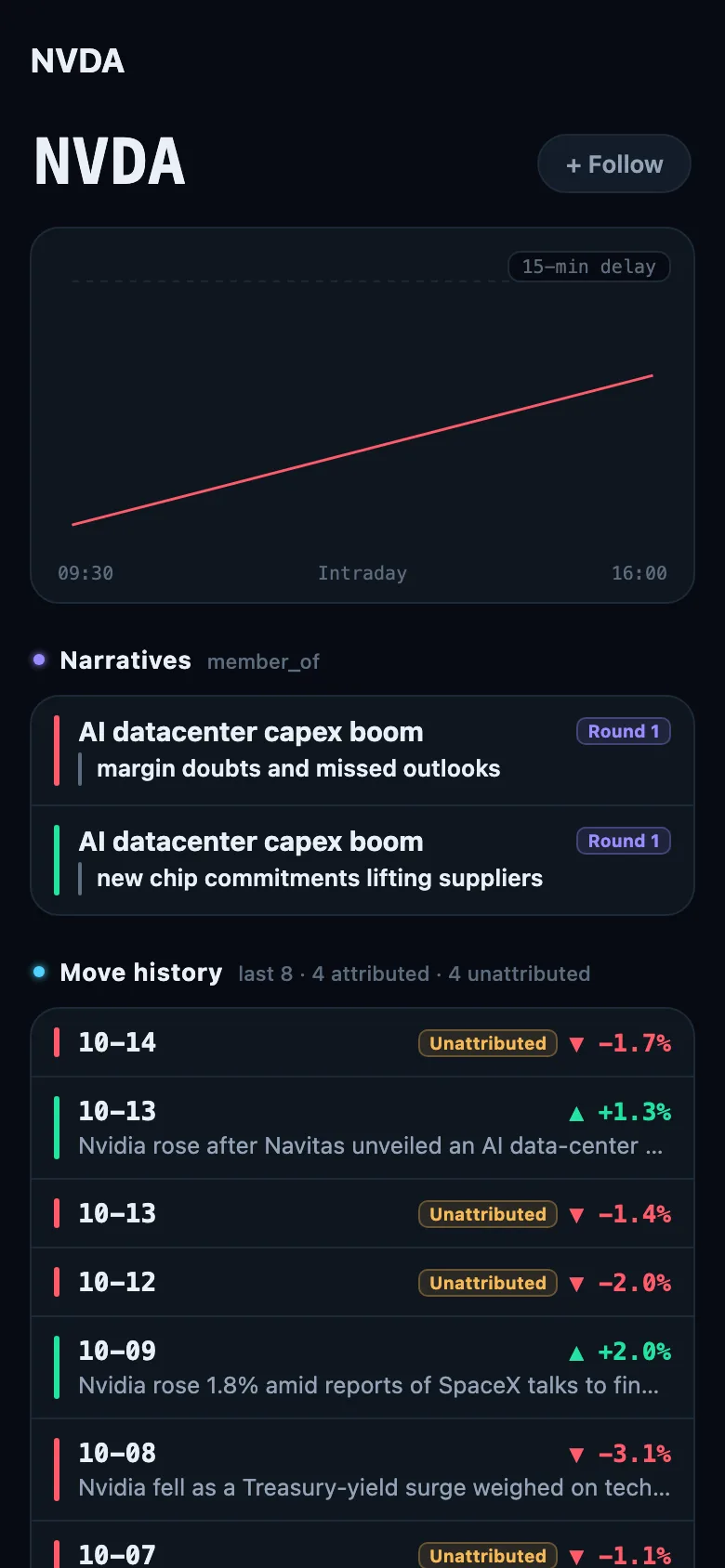
Open one ticker and its sector, its narratives, its move history and the peers it has been co-narrated with come with it.
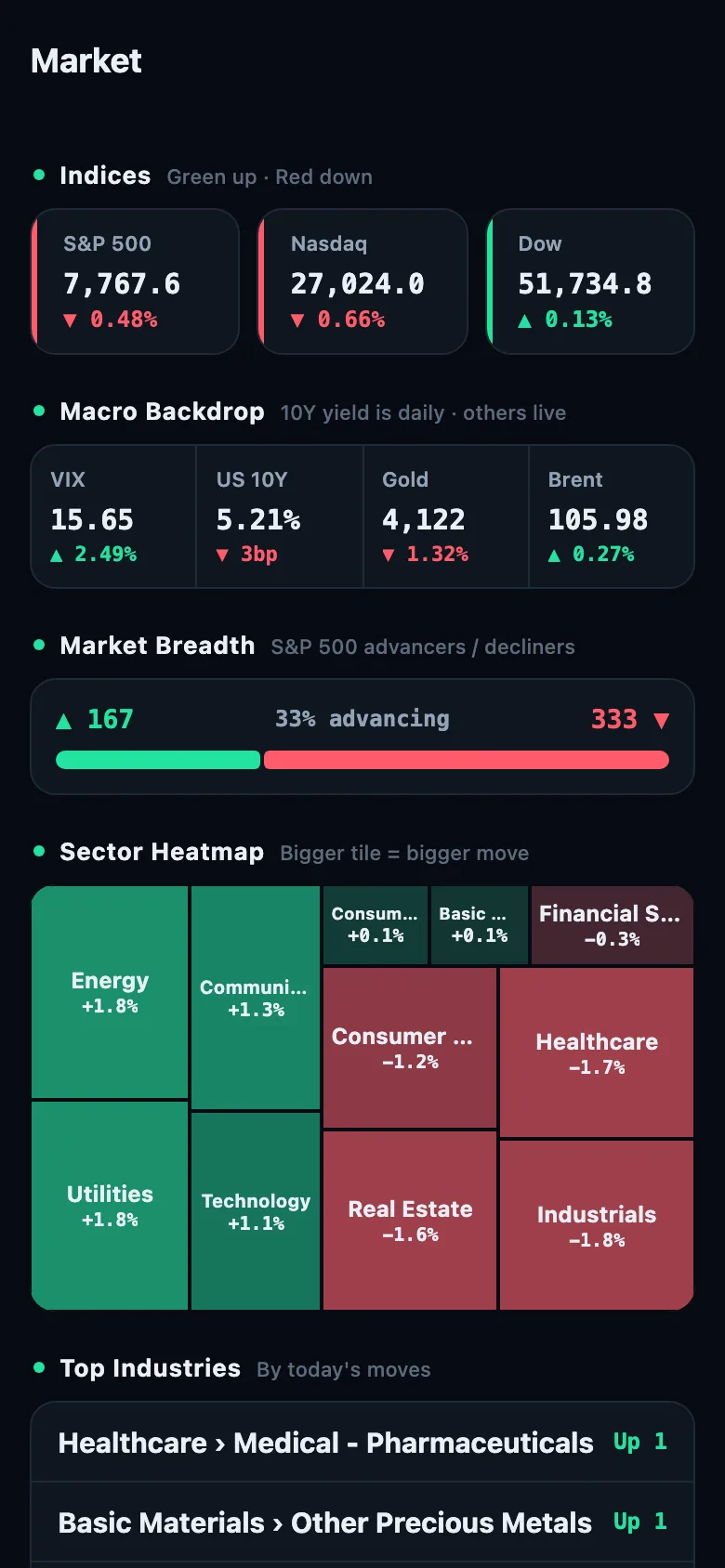
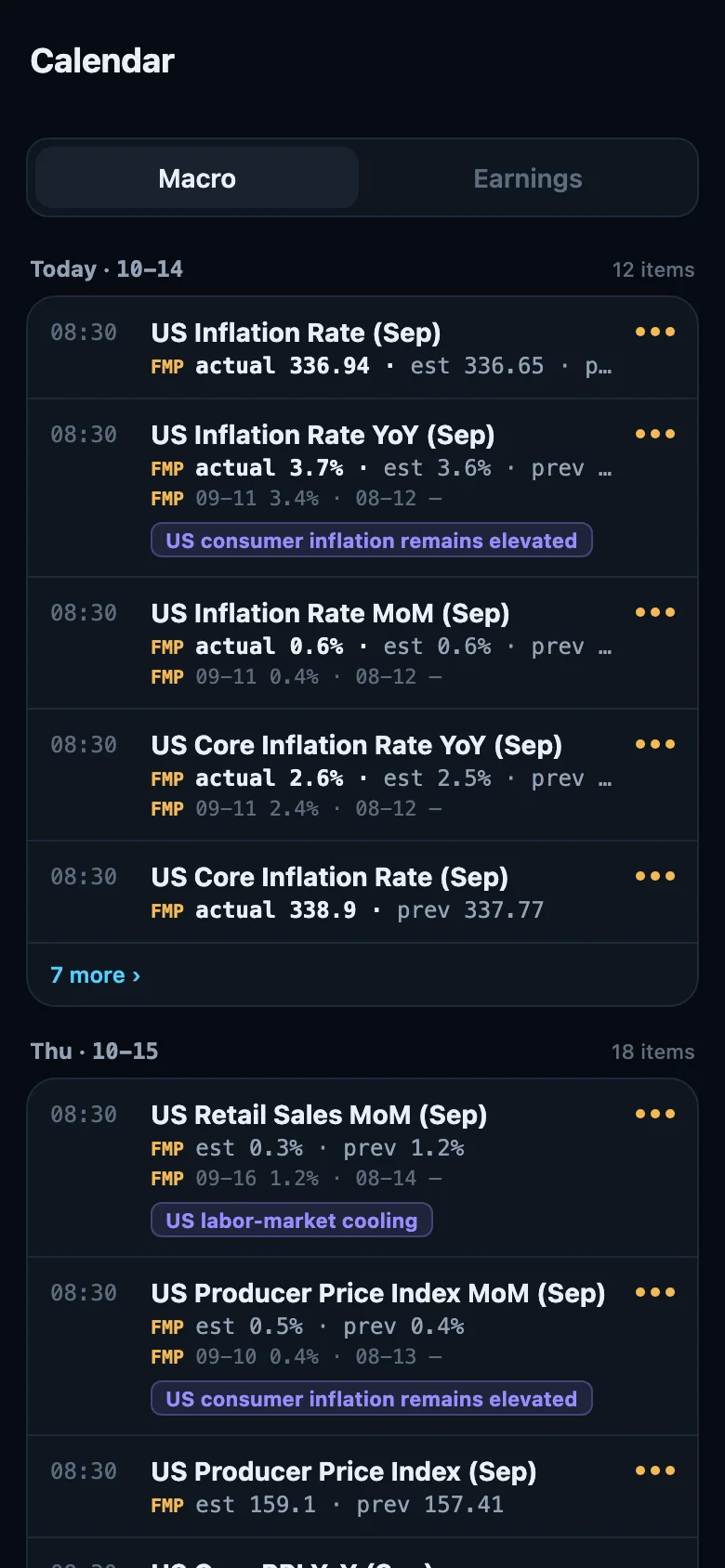
Indices, macro backdrop, breadth and the sector heatmap; the week's economic releases with actual, consensus, previous and an editorial importance tier, and the earnings lane with the companies scheduled and their prior moves.
Seven languages. iOS, Android and the browser.
MCP · FOR CLAUDE, CLAUDE CODE AND OTHER MCP CLIENTS
A model re-derives today's market from today's headlines. Connect What's Moving and it reads the record instead: what moved, when and how far, which narratives it joined and how they developed, with the evidence on file — fourteen read-only tools over the same archive the app shows. The archive grows every session. Ask about a chart and the daily bars arrive with up to six indicators already computed, in the same call.
Illustrative — real tool names, abridged output
What's behind the AI data-center power names this week?
One narrative matches, first recorded in August. Its history shows which members moved, when and which way, with the evidence on file where a driver was established. Every attribution is editorial and dated; nothing in the record says what happens next.
claude mcp add -s user --transport http whatsmoving https://api.whatsmoving.app/api/mcp
Everything here is commentary on events that already happened — never a recommendation to buy or sell, never personalised.
A driver is named only when a cited fact supports it; the attribution is editorial and shows when it was made. When better evidence changes it, its citations and time are updated with it. When no fact qualifies, the move is published without a driver: what moved, how far and when still stand.
What we cite comes from public sources: wires, official releases, data prints and the press. We judge whether a source supports an attribution, but we do not verify every fact it reports.
Personalisation is a filter on what you see — structurally separate from what gets written.
No locked screens. A subscription buys time — and the full archive for your assistant.
$0no account needed to read
From$6.67/ month
Get the app to subscribe
7-day free trial on Monthly and Annual for new subscribers. US prices; your store shows local pricing. Quote and chart data stay 15 minutes delayed for every tier, Pro included — an exchange rule, not a subscription limit.
No. What's Moving is a publisher of general, impersonal commentary on market events that have already occurred. It never tells you what to buy or sell, and never predicts.
Ask one what moved today and it reconstructs an answer from whatever it finds at that moment. What's Moving was watching when it happened. It recorded the move when it was detected, kept the news with its own source and time, and dated anything it said about a driver. When nothing qualified, it named no driver. Ask again next month and the record is the same, or updated and dated. Your own AI assistant can read that record directly: see MCP.
US-listed common stocks at or above $2 that surface on the market's mover feeds — biggest gainers, losers and most active — with a bar that scales with size: 0.9% for a company over $200B, 1.5% over $10B, 2.4% below that. Funds, SPAC shells, warrants and units are filtered out.
Timeliness is what Pro pays for. Free and anonymous readers get every new story, move and theme 15 minutes after it publishes; an assistant on a free account sees the last 30 days. Nothing else is held back.
Claude and Claude Code are verified: add the endpoint and sign in. Other MCP clients that speak Streamable HTTP and can send a bearer-token header can use a personal access token minted in the app under Account → AI assistants — see /connect/. The server is read-only.
Cancel in your App Store or Google Play subscription settings; access lasts through the paid period. Deleting the account in the app (Account → Manage account → Security) removes your profile, follows and AI access tokens; it does not cancel a store subscription. See Privacy for what is retained while deletion completes.